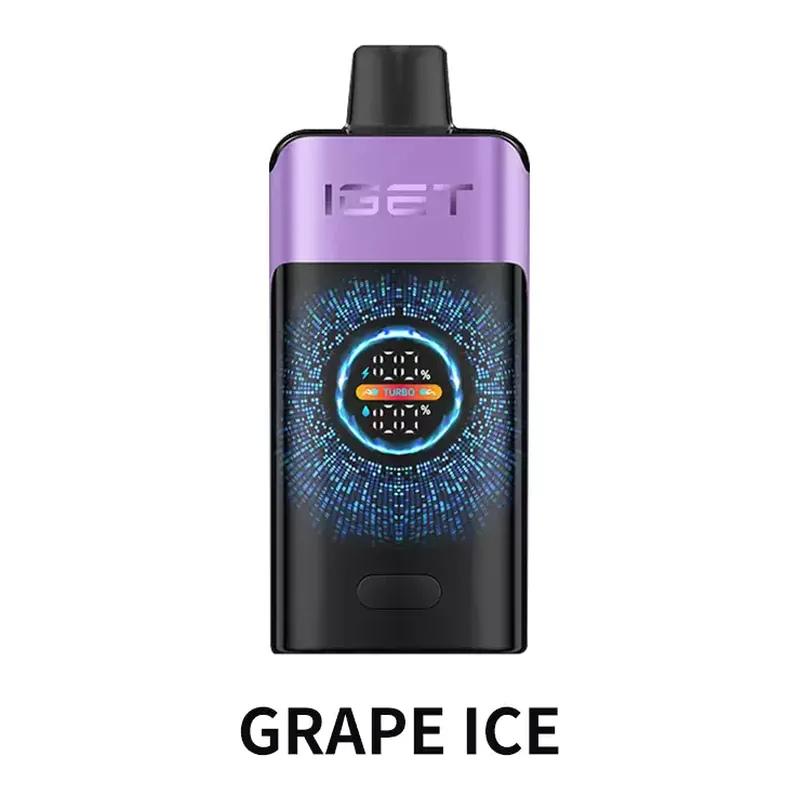
IGET Vape Not Working: The Fixes Worth Trying Aus

Most IGET faults come down to five things, and four of them you can sort out yourself in a couple of minutes. Work through these in order before assuming the device is dead.
No vapour at all
Check the mouthpiece first. A blocked airway is the single most common cause and it is usually lint from a pocket or condensed liquid. Look through the mouthpiece towards a light. If you cannot see through it, roll up a piece of tissue and clear it.
Next, check you are actually triggering it. IGET devices are draw activated, so there is no button. A very gentle draw sometimes fails to trip the sensor. Take one firm, steady pull rather than a soft sip.
On a rechargeable model, plug it in for ten minutes and try again. A fully flat battery gives exactly the same symptom as a broken device.
The light blinks and nothing happens
A blinking indicator is a protection circuit doing its job. Three or more blinks usually means the battery is flat, so charge it. Continuous rapid blinking during a draw usually means the device thinks the coil is shorted, which can be caused by liquid across the contacts.
On the pod models, take the pod out, wipe both sets of contacts with a dry tissue, and refit it. That clears the fault the majority of the time.
Weak or thin vapour
If the device works but feels feeble, check the airflow ring on models that have one. Fully closed gives a very tight draw that can read as weak. Open it a third of the way and try again.
A cold device also produces thin vapour for the first few puffs. Warm it in a hand for a couple of minutes. If the vapour is thin and the flavour is fading, the device is simply near the end of its liquid.
It will not charge
Try a different cable first, then a different charger. USB-C cables fail far more often than devices do. Use a phone charger rather than a fast laptop port, and avoid high wattage fast chargers, which some devices refuse.
Check the port for lint with a torch. Pocket fluff packs into USB-C ports and stops the plug seating fully. Clear it with a dry toothpick, never anything metal.
It leaks or spits
Liquid in the mouthpiece is usually heat or altitude. Wipe the mouthpiece and the airway with tissue, keep the device upright rather than lying flat, and keep it out of the sun. Spitting on the first puff after a long rest is normal and clears after a draw or two.
When it really is faulty
If a device is new, the airway is clear, the contacts are clean and it still gives nothing after charging, it is a genuine failure. Photograph the device and the box with the security code, and contact us. We replace faulty devices bought from us rather than sending you back to the manufacturer.